Your outreach is either generic or unmanageable.
Personalizing at scale is slow, LinkedIn and email don't talk to each other, and automation keeps messaging people who already replied — the fastest way to burn a prospect and your domain.
Warm conversations handed to a rep, on the record.
Kbot runs multichannel sequences that feel personal, respect a reply, and stop automatically the moment someone answers — so a person takes the next step with the whole conversation already on the customer record.
One sequence, two channels, one honest rule.
Build the sequence
Mix LinkedIn steps and email steps into a single cadence.
Personalize with AI
AI-assisted messages tailored to the contact and company.
A reply stops it
Any reply ends the automation and queues a task for a human.
Book the meeting
Booking links and the chatbot turn interest into a scheduled call.
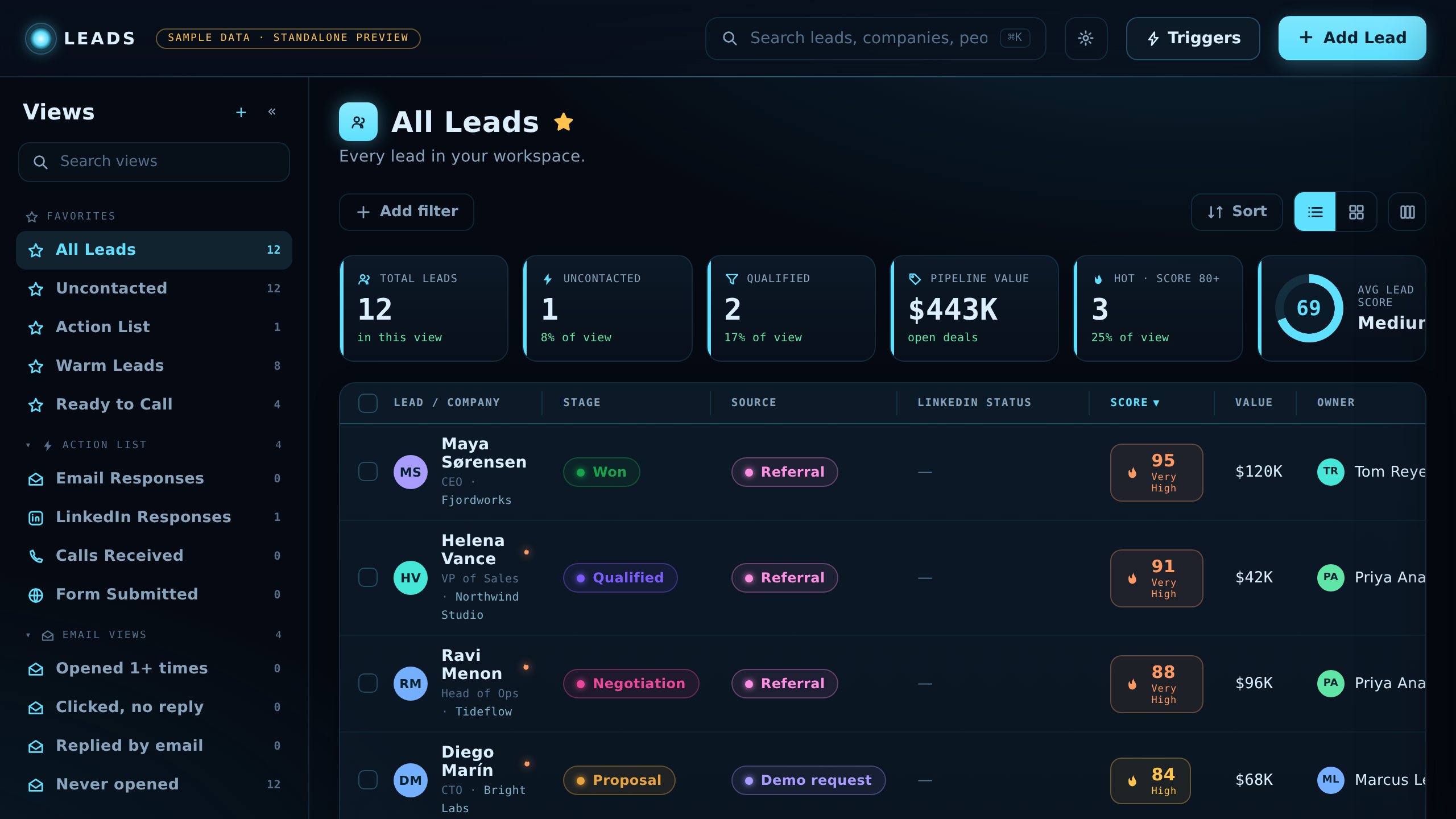
What's inside
LinkedIn & email engagement
Run both channels in one sequence, with safe daily limits and human-like pacing built in.
Personalized AI-assisted sequences
Draft messages tailored to each contact, then send on a cadence you control.
Website chatbot
Qualify visitors in real time and book meetings without a form.
Booking & follow-up automation
Reply detection stops sequences; follow-up tasks keep momentum on warm leads.
Honest note on sending
Email volume is governed by plan allowances and daily sending limits designed to protect your domain reputation — we don't offer "unlimited" sending. LinkedIn actions run within safe daily limits and account warm-up to protect your account.
Outreach that's connected to everything else.
Unlike a standalone sequencer, Kbot draws its audience from Discover and its timing from WebTracker — and every reply, meeting booked, and follow-up task lands on the same customer record the rep sees before the call. One workspace, one conversation history, no exports.